
4.2



Information
Version
2.5.7
Downloads
100.000.000+
Last Update
Feb 10, 2026
Screenshots
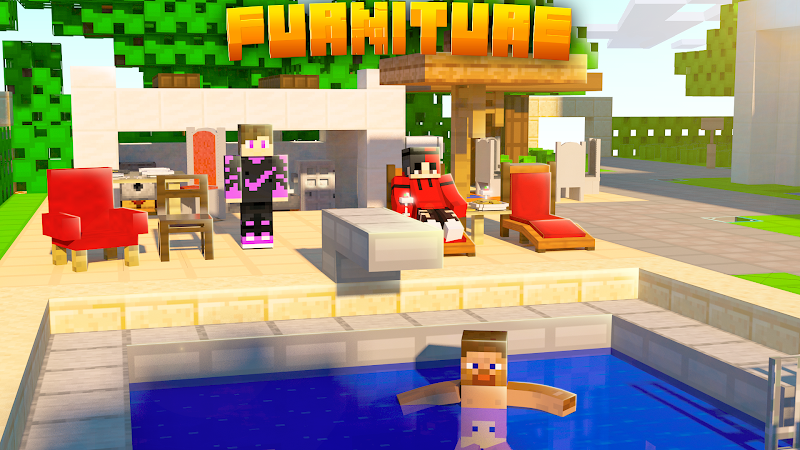
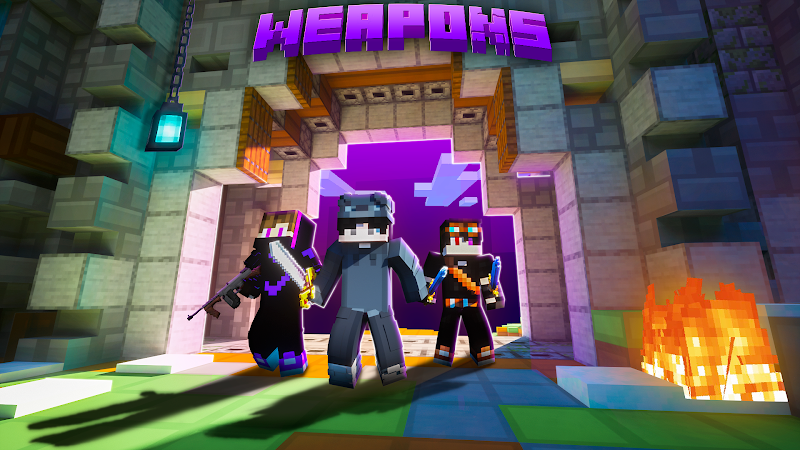
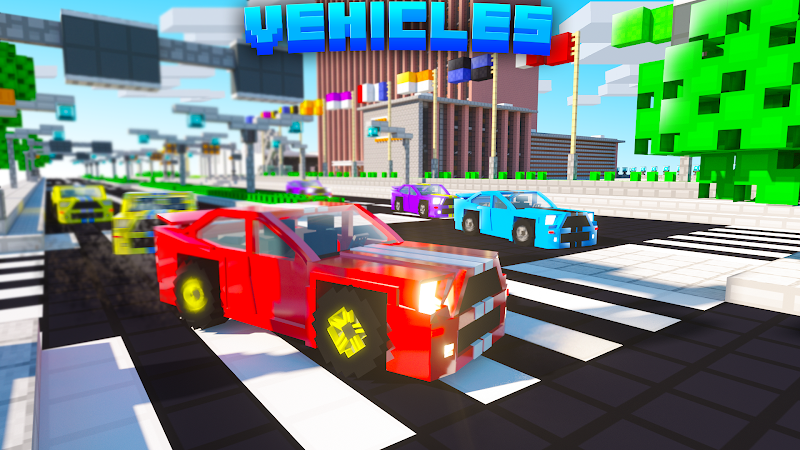
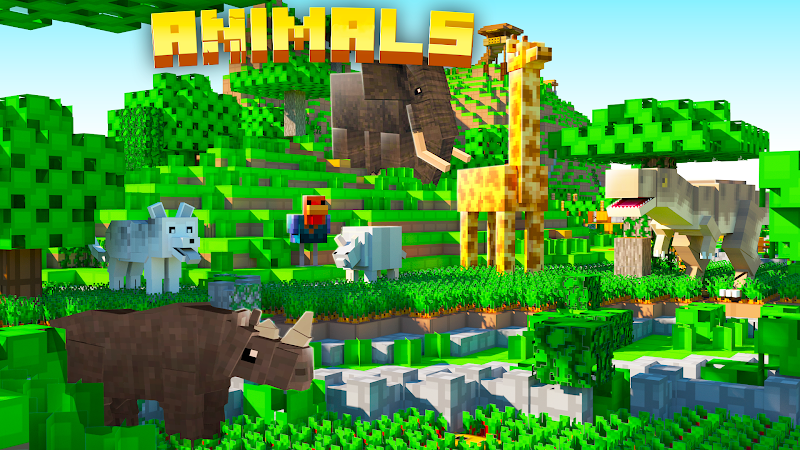
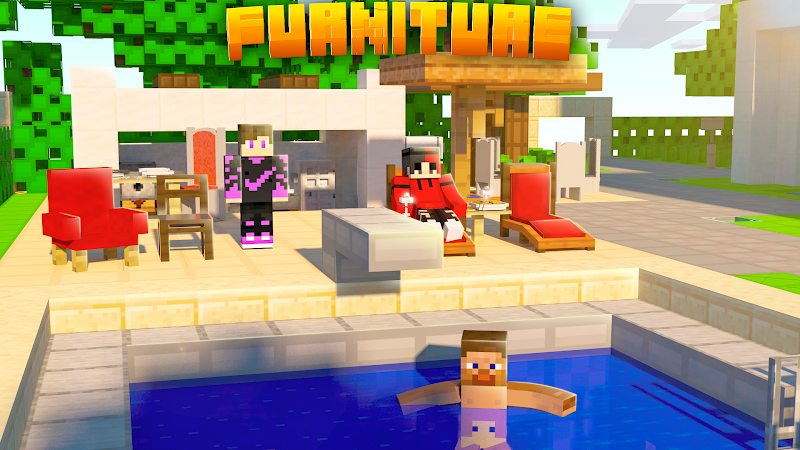
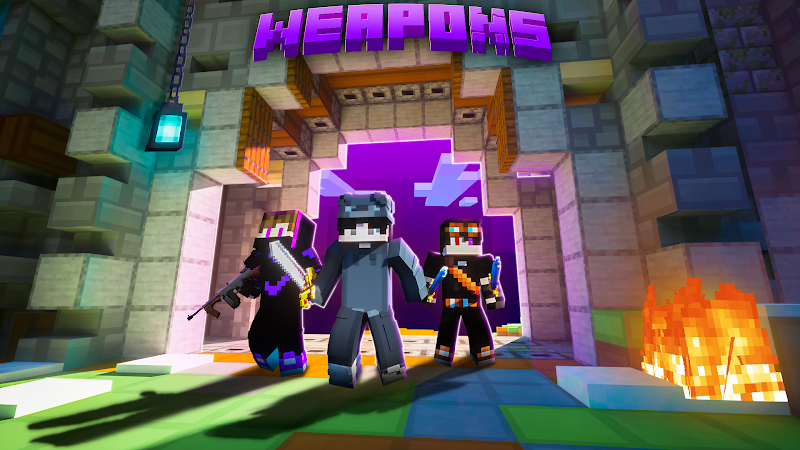
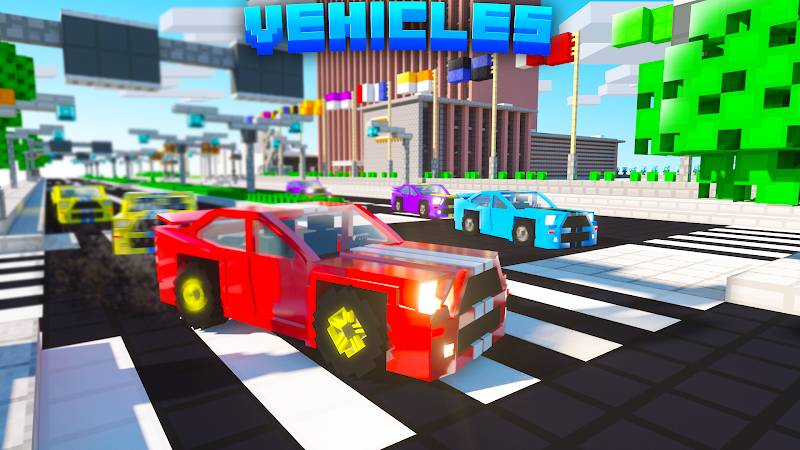
About
Addons for Minecraft Mods – Download and Install the Latest Minecraft Addons
Addons for Minecraft Mods is a powerful collection of tools that allows players to customize and expand their Minecraft experience. From adding new mobs and weapons to installing survival maps and visual enhancements, addons make the game more exciting and creative than ever.
In this article, we’ll explore the features of Addons for Minecraft Mods and how to install them easily.
What Are Addons for Minecraft Mods?
Addons for Minecraft Mods are extension files designed mainly for Minecraft PE (Bedrock Edition). These addons allow players to modify or enhance various aspects of the game without complex installation steps.
With addons, you can:
- Add new mobs and bosses
- Unlock powerful weapons and armor
- Install vehicles and machines
- Explore custom survival and parkour maps
- Upgrade textures and shaders
- Modify gameplay mechanics
The best part? No root access or advanced technical knowledge is required.
Key Features of Addons for Minecraft Mods
🔹 Huge Addon Library
Access hundreds of free addons across different categories, regularly updated with new content.
🔹 One-Tap Installation
Install addons directly into Minecraft with just one tap – no manual file management needed.
🔹 Version Compatibility
Supports the latest versions of Minecraft PE/Bedrock, ensuring smooth performance.
🔹 Regular Updates
New mods, skins, maps, and textures are added frequently.
Popular Types of Minecraft Addons
1. Weapons & Superhero Addons
Add powerful swords, guns, armor sets, or superhero abilities to your world.
2. Mob & Boss Addons
Introduce new creatures, dragons, or custom bosses with unique skills.
3. Advanced Survival Addons
Enhance survival mode with hunger systems, realistic weather, and higher difficulty challenges.
4. Shaders & Texture Packs
Improve graphics with realistic lighting, water reflections, and enhanced textures.
How to Install Addons for Minecraft Mods
- Download the Addons for Minecraft Mods app.
- Open the app and browse the addon you like.
- Tap Download or Install.
- Launch Minecraft.
- Activate the addon in Resource Packs or Behavior Packs.
- Create a new world and enjoy!
Why Use Addons for Minecraft Mods?
✔ Easy to use
✔ No programming skills required
✔ Enhances gameplay experience
✔ Mostly free content
✔ Suitable for beginners and experienced players
Important Notes
- Always check your Minecraft version before installing.
- Avoid installing too many addons at once to prevent conflicts.
- Download from trusted sources for security reasons.
Conclusion
Addons for Minecraft Mods is the perfect solution for players who want to take their Minecraft adventure to the next level. Whether you enjoy survival challenges, creative building, or exploring new worlds, addons provide endless possibilities.
If you need:
- A longer 1200–1500 word SEO article
- Meta title & meta description
- A Google-optimized review version
- Or a version tailored for an APK website
Ratings & Reviews
4.2

483000 Ratings
5
4
3
2
1
Comments

0 COMMENTS
×
![icon]()
APKSUBMIT.COM
APKSUBMIT.COM
APKSUBMIT.COM
APKSUBMIT.COM
APKSUBMIT.COM
APKSUBMIT.COM
APKSUBMIT.COM
APKSUBMIT.COM
APKSUBMIT.COM
APKSUBMIT.COM


Addons for Minecraft Bedrock
Free
GlitchPixel Addons

Block Craft Sandbox:Build Game
Free
SMD LINKS
Boys Skins For Minecraft PE
Free
Kitoved
Building Mods for Minecraft
Free
Addons for Minecraft
Addons for Minecraft Mods
Free
Addons and Mods for Minecraft
Addons for Minecraft
Free
Kayen Works
ChatCraft Pro for Minecraft
Free
Carrara
Craft Addons for Minecraft PE
Free
Ltd.
Crafting and Building
Free
GeneRe
Furniture Mod For Minecraft
Free
Mods / Addons PE Studio
Guns & Weapons Mod
Free
Mods / Addons PE Studio