
4.3



Information
Version
1.4.33
Downloads
10.000.000+
Last Update
Aug 23, 2025
Screenshots
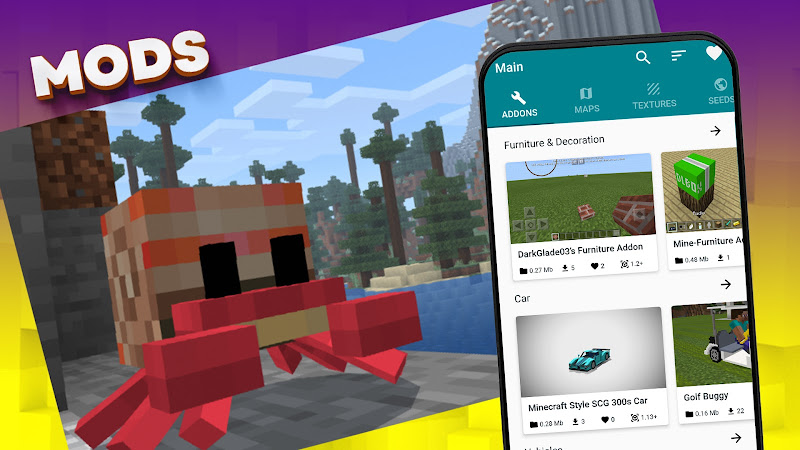
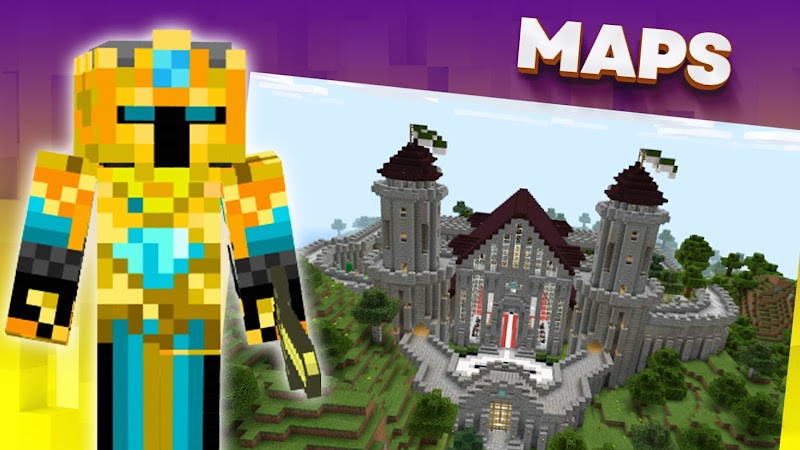
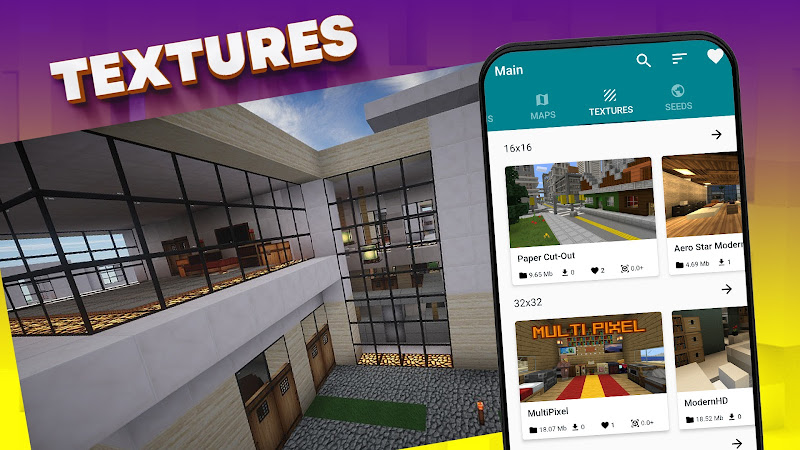
About
Introduction Mods, Maps Skins for Minecraft APK
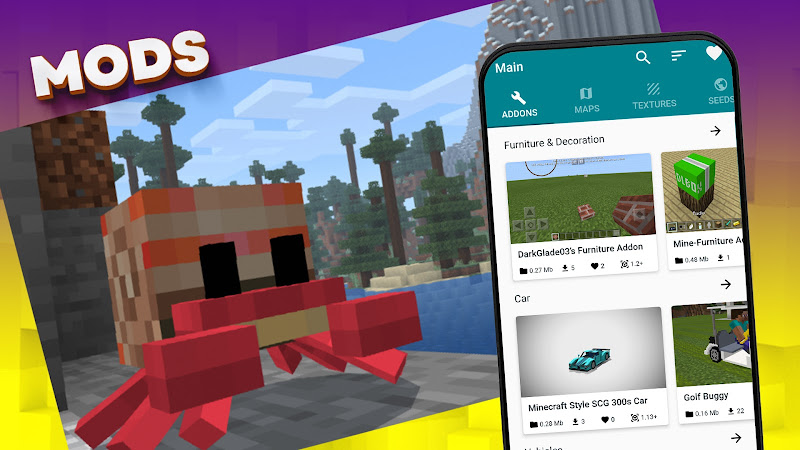
Mods, Maps Skins for Minecraft APK is a companion application designed to help Minecraft players easily install custom mods, maps, and skins on their Android devices. Instead of manually searching and installing files, the app provides a simplified way to expand gameplay and personalize your Minecraft world.
What is the Game
Mods, Maps Skins for Minecraft APK is not a standalone game but a utility app created for Minecraft players. It allows users to browse, download, and install various modifications that enhance the Minecraft experience.
Minecraft itself is a sandbox game where players can explore worlds, gather resources, build structures, and survive against various creatures. With the help of mod tools like this app, players can introduce new gameplay mechanics, characters, textures, and environments.
The app acts as a content library that provides easy access to different Minecraft add‑ons, making customization accessible even for beginners.
Core Features
The application includes several useful features designed to simplify mod installation and gameplay customization.
Large Collection of Mods
Users can explore a wide variety of mods including new mobs, weapons, tools, vehicles, and gameplay mechanics.
Custom Maps
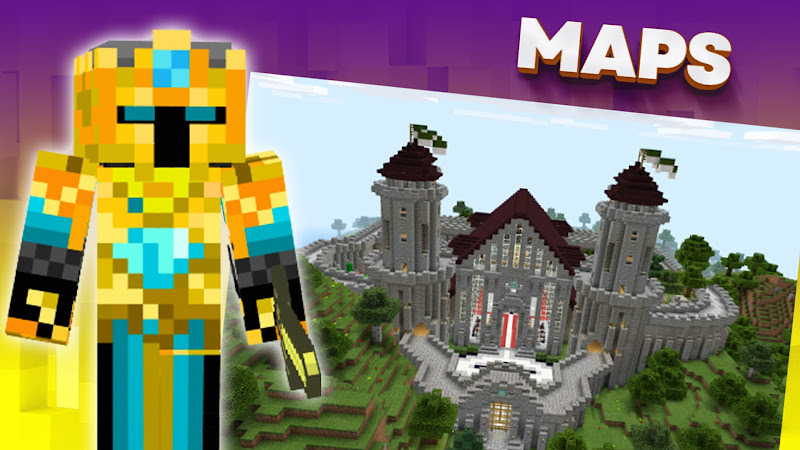
The app provides many Minecraft maps such as:
- Adventure maps
- Survival maps
- Parkour challenges
- Mini‑game worlds
These maps allow players to experience new gameplay styles beyond the original game.
Skins and Character Customization
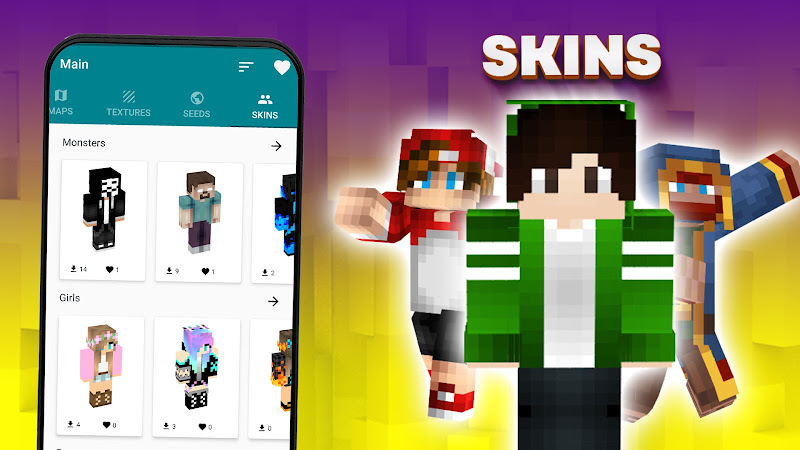
Players can download different skins to change their character’s appearance. From superheroes to fantasy characters, skins allow players to stand out in multiplayer worlds.
One‑Tap Installation
Instead of manually placing files into Minecraft folders, the app provides automatic installation, making it beginner‑friendly.
Regular Content Updates
New mods, skins, and maps are added frequently so players always have fresh content to explore.
Game Modes
While the app itself doesn’t contain gameplay modes, the mods and maps it provides can greatly enhance Minecraft’s existing modes.
Survival Mode
Mods can introduce new creatures, resources, and survival mechanics that make the experience more challenging.
Creative Mode
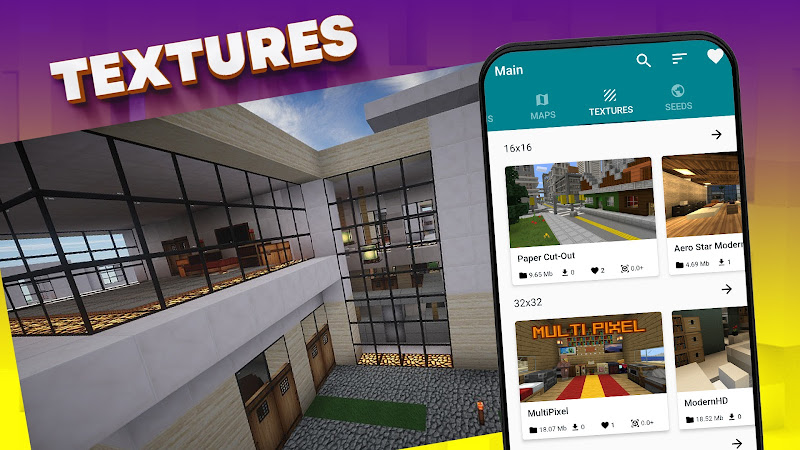
Custom building maps and texture packs help players build massive structures and experiment with creative ideas.
Adventure Mode
Many downloadable maps are designed specifically for story‑based gameplay where players complete quests and explore custom environments.
Multiplayer Experiences
Custom skins and mods can also be used in multiplayer servers to create unique gameplay experiences.
Java vs Bedrock
Minecraft exists in two main versions: Java Edition and Bedrock Edition.
Java Edition
- Available mainly on PC
- Supports extensive modding using external tools
- Larger modding community
Bedrock Edition
- Available on mobile, console, and Windows
- More optimized for cross‑platform play
- Uses add‑ons instead of traditional mods
Mods, Maps Skins for Minecraft APK is designed primarily for Minecraft Bedrock Edition on Android, helping mobile players easily access custom content.
Benefits
Using a mod installer app like this offers several advantages.
Easy Customization
Players can change the game’s appearance and mechanics without complicated manual installations.
Expanded Gameplay
Mods introduce new weapons, mobs, tools, and game mechanics that make the game feel fresh.
Time Saving
Instead of browsing multiple websites, everything is organized in one place.
Beginner Friendly
The simple interface allows even new Minecraft players to install mods quickly.
Challenges
Despite its benefits, there are a few challenges users should consider.
Compatibility Issues
Some mods may not work with certain Minecraft versions.
Device Performance
Heavy mods or large maps can slow down older Android devices.
Update Requirements
Whenever Minecraft updates, some mods may need updates to remain compatible.
Storage Space
Downloading many maps and mods can take up significant storage.
Tips
To get the best experience using Mods, Maps Skins for Minecraft APK, consider these tips.
Keep Minecraft Updated
Ensure your Minecraft version is compatible with the mods you install.
Install Mods One at a Time
Testing mods individually helps identify conflicts or crashes.
Check User Ratings
Popular mods usually have better stability and performance.
Backup Your Worlds
Before installing large mods or maps, back up your existing worlds to avoid losing progress.
Conclusion
Mods, Maps Skins for Minecraft APK is a useful tool for Android players who want to expand and personalize their Minecraft experience. With easy installation, a large content library, and regular updates, the app helps players explore new worlds, customize characters, and enjoy Minecraft in creative new ways.
Whether you enjoy survival challenges, creative building, or adventure maps, this mod tool can make your Minecraft gameplay far more exciting.
Ratings & Reviews
4.3

1436200 Ratings
5
4
3
2
1
Comments

0 COMMENTS
×
![icon]()
APKSUBMIT.COM
APKSUBMIT.COM
APKSUBMIT.COM
APKSUBMIT.COM
APKSUBMIT.COM
APKSUBMIT.COM
APKSUBMIT.COM
APKSUBMIT.COM
APKSUBMIT.COM
APKSUBMIT.COM


Addons for Minecraft Bedrock
Free
GlitchPixel Addons

Block Craft Sandbox:Build Game
Free
SMD LINKS
Boys Skins For Minecraft PE
Free
Kitoved
Building Mods for Minecraft
Free
Addons for Minecraft
Addons for Minecraft Mods
Free
Addons and Mods for Minecraft
Addons for Minecraft
Free
Kayen Works
ChatCraft Pro for Minecraft
Free
Carrara
Craft Addons for Minecraft PE
Free
Ltd.
Crafting and Building
Free
GeneRe
Furniture Mod For Minecraft
Free
Mods / Addons PE Studio
Guns & Weapons Mod
Free
Mods / Addons PE Studio