
4.5



Information
Version
1.3.12a
Downloads
10.000.000+
Last Update
Feb 5, 2026
Screenshots
About
Introduction Addons for Minecraft Bedrock APK
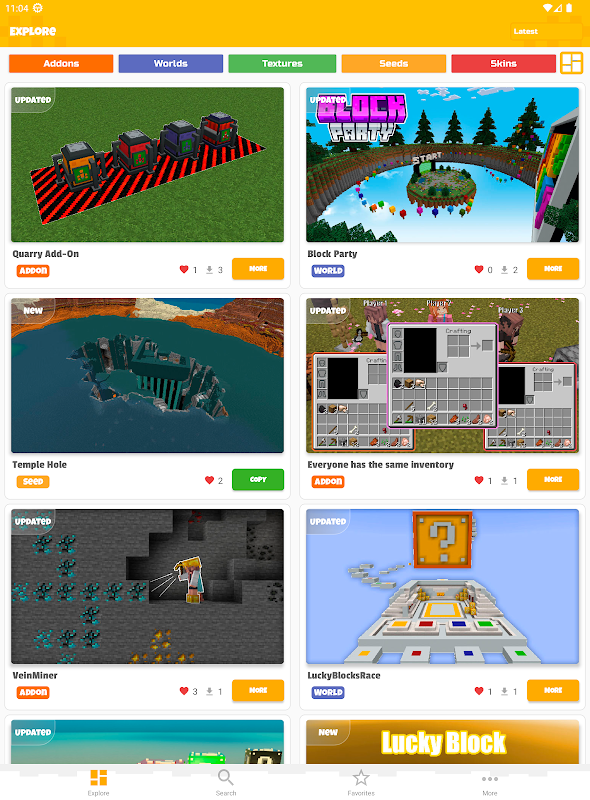
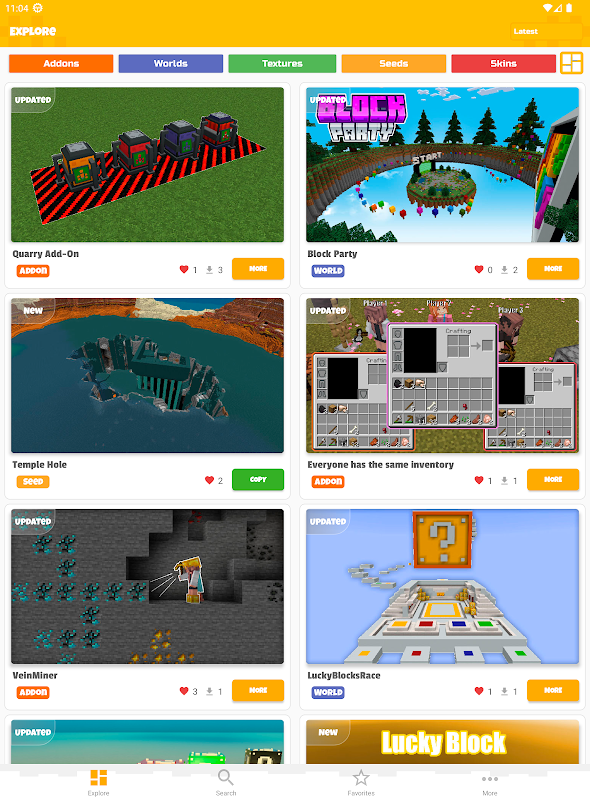
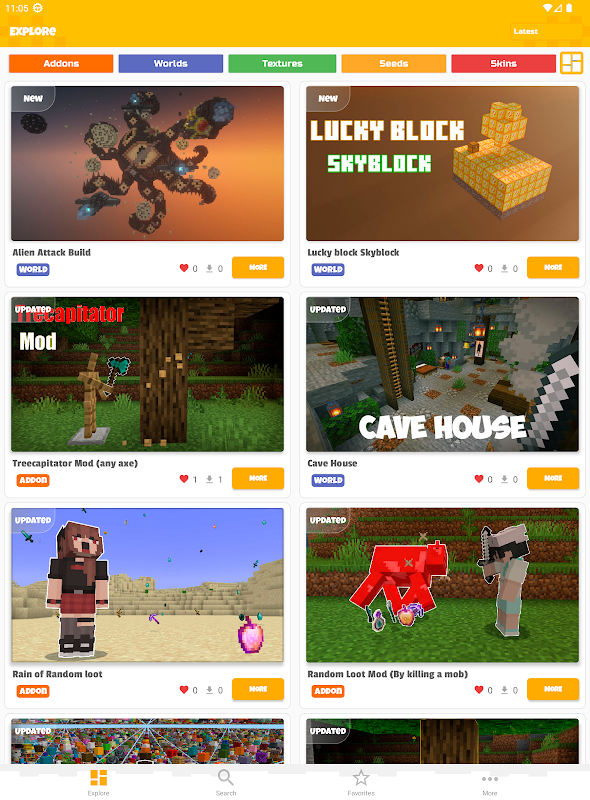
Addons for Minecraft Bedrock APK is a companion app designed to help Minecraft players install addons, maps, skins, and texture packs directly on Android devices. It simplifies the customization process, allowing players to upgrade their Minecraft world without complicated manual installations.
What is the Game
Addons for Minecraft Bedrock APK is not a standalone game but a content management and installation tool for Minecraft Bedrock Edition.
Minecraft itself is a sandbox game where players explore open worlds, gather resources, craft items, and build structures using blocks. The game encourages creativity, survival skills, and exploration.
Addons expand the original gameplay by introducing new content such as:
- New mobs and creatures
- Custom weapons and tools
- Vehicles and machines
- Unique maps and adventure worlds
- Visual improvements like textures and shaders
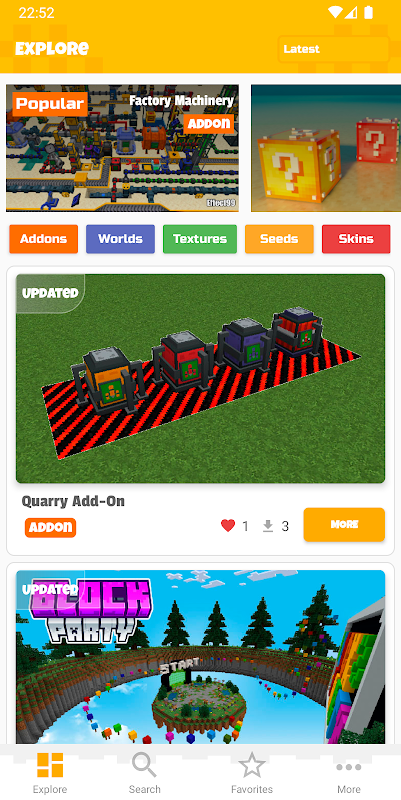
Instead of searching multiple websites for addons, this app organizes content into a single library that is easy to browse and install.
Core Features
Addons for Minecraft Bedrock APK includes several useful features designed for Minecraft players.
Large Addon Library
The app provides access to many addons including gameplay modifications, maps, textures, and skins. This allows players to expand their Minecraft experience with new content.
One‑Tap Installation
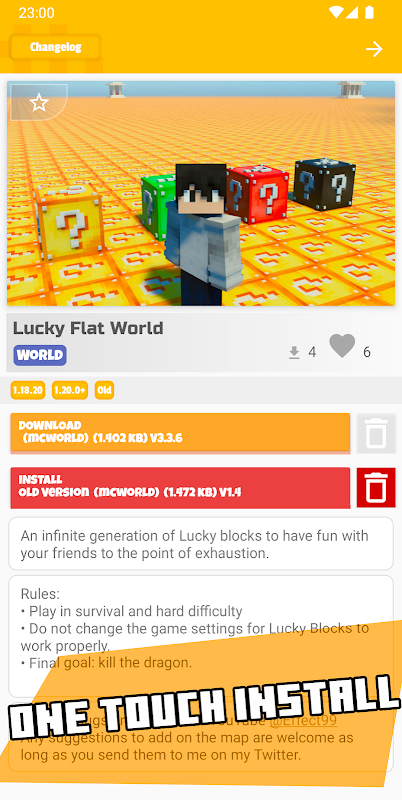
Players can install addons directly into Minecraft with a single tap. This removes the need for manually copying files or editing folders.
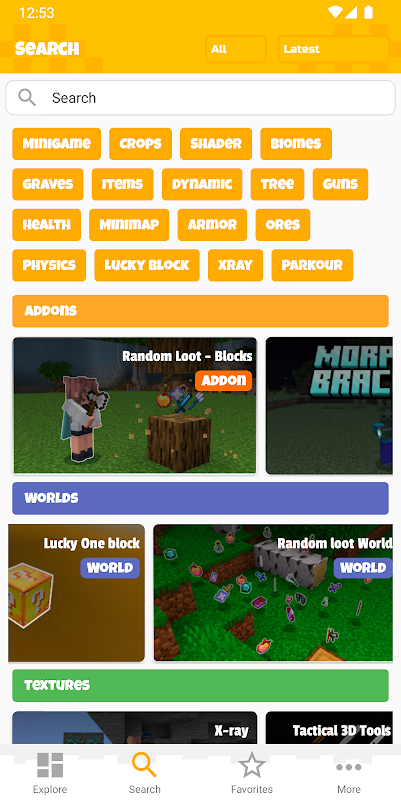
Map and Mod Categories
Content is organized into categories, making it easy to find:
- Survival addons
- Adventure maps
- Weapon and tool mods
- Vehicle addons
- Texture packs
Preview Before Download
Users can preview addons before installing them to ensure they match their gameplay preferences.
Regular Updates
New addons are frequently added so players always have fresh content to explore.
Game Modes
While the app itself doesn’t include gameplay, the addons it provides can significantly improve different Minecraft modes.
Survival Mode
Addons can introduce new animals, monsters, and resources, making survival gameplay more challenging and exciting.
Creative Mode
Creative players can use building tools, custom blocks, and decorative addons to design larger and more detailed worlds.
Adventure Mode
Adventure maps often include quests, puzzles, and custom environments that create story‑driven experiences.
Multiplayer Mode
Some addons work in multiplayer servers, allowing friends to explore custom worlds and features together.
Java vs Bedrock
Minecraft is available in two main versions: Java Edition and Bedrock Edition.
Java Edition
- Mainly available on PC
- Supports advanced mods created by the community
- Requires mod loaders such as Forge or Fabric
Bedrock Edition
- Available on Android, iOS, consoles, and Windows
- Optimized for cross‑platform gameplay
- Uses addons instead of traditional mods
Addons for Minecraft Bedrock APK is specifically designed for Minecraft Bedrock Edition on Android, making it easier for mobile players to install custom content.
Benefits
Using an addon manager app provides several advantages for Minecraft players.
Easy Installation
Players can install addons quickly without dealing with complicated file management.
Expanded Gameplay
Addons introduce new mechanics, creatures, weapons, and worlds, making the game feel fresh and exciting.
Beginner Friendly
The app’s interface is simple enough for players who are new to Minecraft customization.
Centralized Content Library
Instead of searching multiple websites, players can find everything in one place.
Challenges
Although addon apps are useful, there are some limitations to consider.
Compatibility Issues
Some addons may not work with certain versions of Minecraft.
Device Performance
Large addons or high‑resolution textures can affect performance on older Android devices.
Storage Requirements
Downloading many maps and addons may require significant device storage.
Update Dependence
When Minecraft updates, some addons may need updates before they work properly again.
Tips
To get the best experience with Addons for Minecraft Bedrock APK, keep these tips in mind.
Install Addons Carefully
Try installing one addon at a time to avoid conflicts between different modifications.
Keep Minecraft Updated
Using the latest version of Minecraft helps ensure addon compatibility.
Check User Ratings
Popular addons with good ratings usually provide better performance and fewer bugs.
Backup Your Worlds
Before installing large addons, create backups of your worlds to avoid losing progress.
Conclusion
Addons for Minecraft Bedrock APK is a helpful tool for Android players who want to expand their Minecraft experience. By providing easy access to maps, mods, and custom content, the app allows players to enhance gameplay without complicated installation processes.
Whether you’re exploring survival worlds, building creative structures, or playing with friends, addons can make Minecraft even more fun and dynamic.
Ratings & Reviews
4.5

6974406 Ratings
5
4
3
2
1
Comments

0 COMMENTS
×
![icon]()
APKSUBMIT.COM
APKSUBMIT.COM
APKSUBMIT.COM
APKSUBMIT.COM
APKSUBMIT.COM
APKSUBMIT.COM
APKSUBMIT.COM
APKSUBMIT.COM
APKSUBMIT.COM
APKSUBMIT.COM


Addons for Minecraft Bedrock
Free
GlitchPixel Addons

Block Craft Sandbox:Build Game
Free
SMD LINKS
Boys Skins For Minecraft PE
Free
Kitoved
Building Mods for Minecraft
Free
Addons for Minecraft
Addons for Minecraft Mods
Free
Addons and Mods for Minecraft
Addons for Minecraft
Free
Kayen Works
ChatCraft Pro for Minecraft
Free
Carrara
Craft Addons for Minecraft PE
Free
Ltd.
Crafting and Building
Free
GeneRe
Furniture Mod For Minecraft
Free
Mods / Addons PE Studio
Guns & Weapons Mod
Free
Mods / Addons PE Studio