
5.1



Information
Version
5.2.0
Downloads
100.000.000+
Last Update
Jan 10, 2026
Screenshots
About
Introduction Maps for Minecraft PE APK
Minecraft Pocket Edition allows players to explore endless worlds, but installing custom maps manually can be confusing for many Android users. That’s where Maps for Minecraft PE APK comes in.
This app works as a map library designed specifically for Minecraft Bedrock Edition on mobile devices. It provides hundreds of ready‑to‑install maps, making it easy for players to explore new gameplay experiences without technical setup.
Instead of downloading map files and placing them in folders manually, the app lets you install maps directly with one click. This makes it especially useful for younger players or anyone who wants a faster way to expand their Minecraft world.
What is the Game
Maps for Minecraft PE APK is not a standalone game. Instead, it is a companion application for Minecraft Pocket Edition (Bedrock).
Its main purpose is to provide players with a collection of downloadable maps created by the Minecraft community.
These maps include:
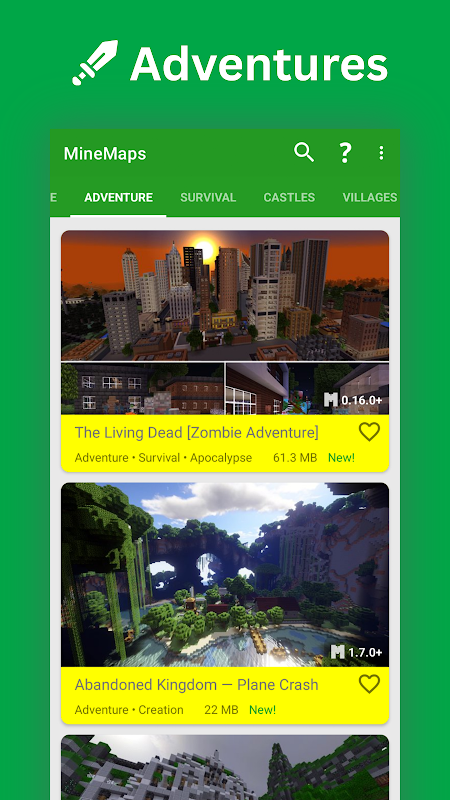
- Adventure maps with quests and puzzles
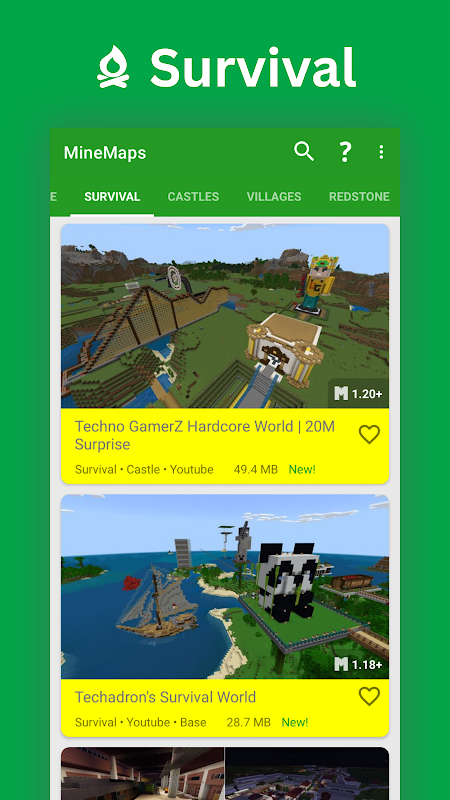
- Survival maps with unique challenges
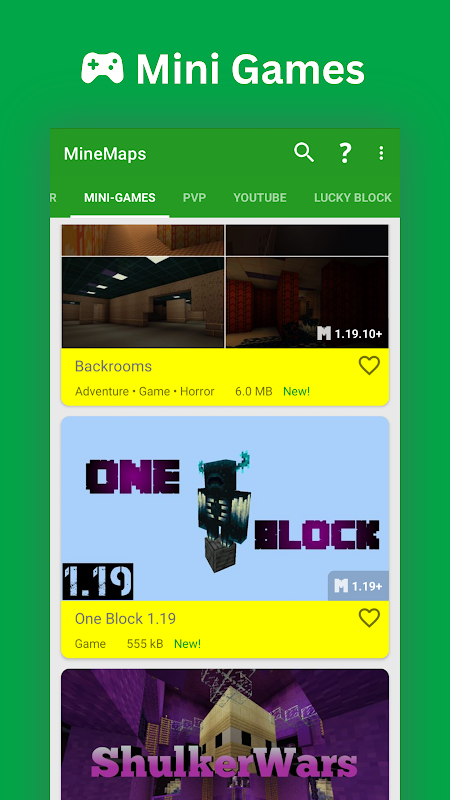
- Mini‑games created by other players
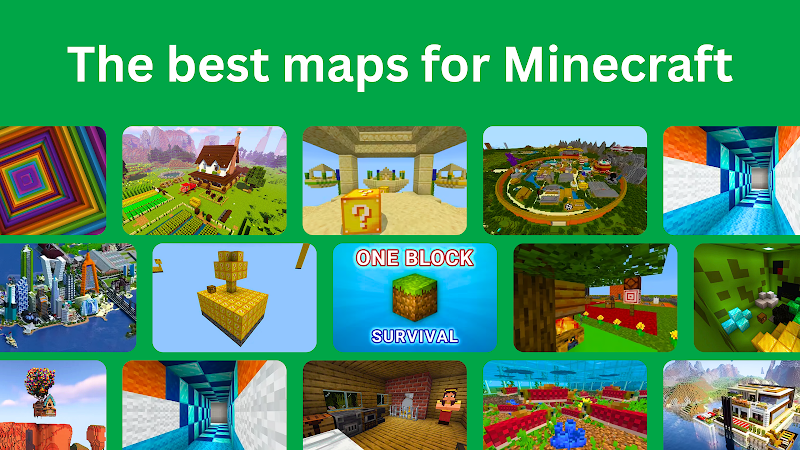
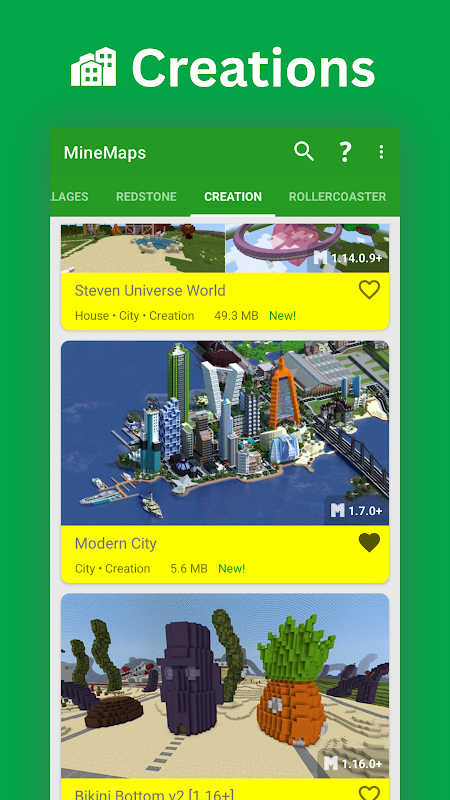
- Creative builds such as cities and castles
Each map is designed to bring a completely new gameplay experience to Minecraft without modifying the core game.
Core Features
Maps for Minecraft PE APK includes several features that make installing maps simple and fast.
1. One‑Click Installation
Players can install maps directly into Minecraft with a single tap. This removes the need for manual file extraction or complicated setup.
2. Large Map Library
The app contains many different map categories such as:
- Adventure maps
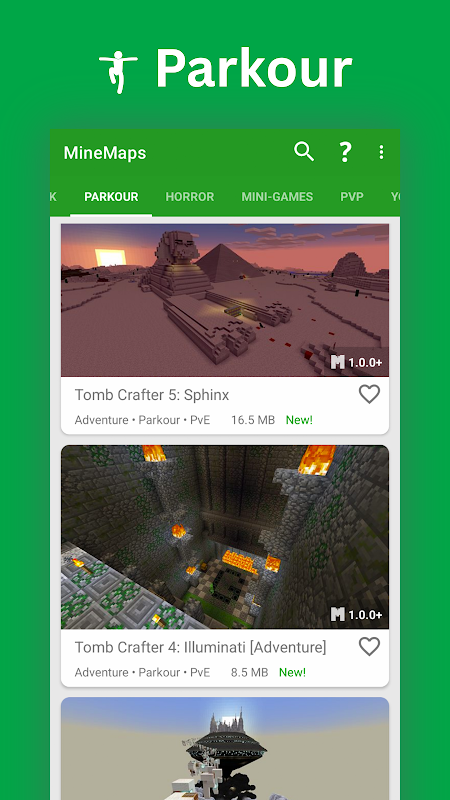
- Parkour maps
- Survival islands
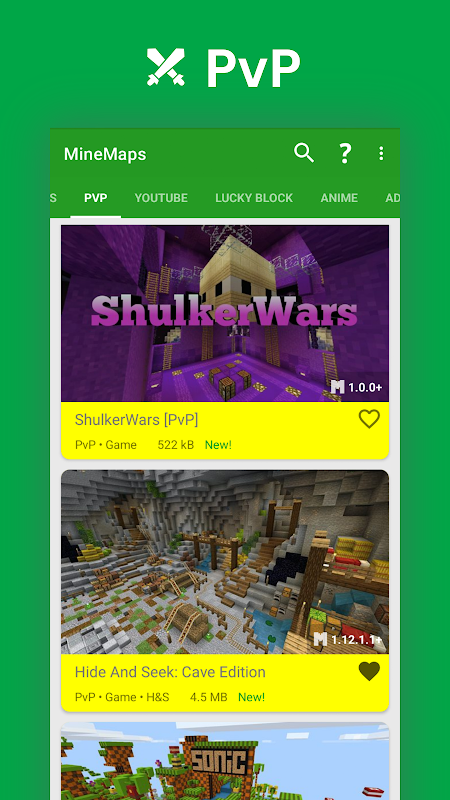
- PvP arenas
- Creative building worlds
3. Regular Updates
New maps are added frequently, giving players fresh content to explore.
4. Simple Interface
The user interface is designed for mobile users, making it easy to browse, preview, and install maps.
5. Map Descriptions & Screenshots
Each map usually includes details and images so players know what to expect before downloading.
Game Modes
Because the app only provides maps, the available game modes depend on the map itself. However, most maps fall into several popular categories.
Adventure Mode
Adventure maps include storylines, puzzles, and missions. Players often follow quests and explore detailed worlds designed by map creators.
Survival Mode
Survival maps place players in challenging environments such as small islands or limited-resource worlds.
Parkour Mode
Parkour maps focus on jumping challenges where players must complete difficult obstacle courses.
Mini‑Games
Some maps feature multiplayer mini‑games like PvP arenas, racing challenges, or puzzle competitions.
Java vs Bedrock
Understanding the difference between Minecraft Java Edition and Minecraft Bedrock Edition helps explain why this app is useful.
Minecraft Java Edition
- Runs mainly on PC
- Uses Java programming language
- Supports many mods and manual map installations
Minecraft Bedrock Edition
- Runs on Android, iOS, Xbox, and Windows
- Optimized for cross‑platform play
- Installing maps manually can be more difficult
Maps for Minecraft PE APK is designed specifically for Bedrock Edition on mobile, making map installation much easier.
Benefits
Using Maps for Minecraft PE APK offers several advantages for Minecraft players.
Easy Map Installation
Players don’t need technical knowledge to install maps.
Expands Gameplay
Custom maps add new stories, challenges, and worlds to explore.
Saves Time
Instead of searching across multiple websites, players can browse maps in one place.
Great for Mobile Players
The app is optimized for Android users who play Minecraft on phones or tablets.
Challenges
Despite its convenience, there are also a few limitations to consider.
Requires Minecraft PE
The app only works if Minecraft Pocket Edition is already installed.
Ads in Free Version
Many free Android apps include advertisements.
Map Compatibility
Some maps may work better on certain Minecraft versions than others.
Internet Required
You need an internet connection to browse and download maps.
Tips
To get the best experience when using Maps for Minecraft PE APK, keep these tips in mind:
- Check Map Version
Make sure the map is compatible with your current Minecraft version. - Read Map Descriptions
Descriptions often include instructions or recommended settings. - Try Different Map Types
Experiment with adventure, survival, and parkour maps to discover new gameplay styles. - Update Minecraft Regularly
Keeping the game updated helps prevent compatibility issues. - Backup Worlds
If you install many maps, backing up your Minecraft worlds can prevent data loss.
Conclusion
Maps for Minecraft PE APK is a helpful Android tool for players who want to explore new Minecraft worlds without dealing with complicated installations. With a large library of maps and simple one‑click downloads, the app makes it easy for Minecraft Bedrock players to discover fresh adventures, survival challenges, and creative builds on mobile devices.
Ratings & Reviews
5.1

23092800 Ratings
5
4
3
2
1
Comments

0 COMMENTS
×
![icon]()
APKSUBMIT.COM
APKSUBMIT.COM
APKSUBMIT.COM
APKSUBMIT.COM
APKSUBMIT.COM
APKSUBMIT.COM
APKSUBMIT.COM
APKSUBMIT.COM
APKSUBMIT.COM
APKSUBMIT.COM


Addons for Minecraft Bedrock
Free
GlitchPixel Addons

Block Craft Sandbox:Build Game
Free
SMD LINKS
Boys Skins For Minecraft PE
Free
Kitoved
Building Mods for Minecraft
Free
Addons for Minecraft
Addons for Minecraft Mods
Free
Addons and Mods for Minecraft
Addons for Minecraft
Free
Kayen Works
ChatCraft Pro for Minecraft
Free
Carrara
Craft Addons for Minecraft PE
Free
Ltd.
Crafting and Building
Free
GeneRe
Furniture Mod For Minecraft
Free
Mods / Addons PE Studio
Guns & Weapons Mod
Free
Mods / Addons PE Studio