
Public scan report
report #SR-20260810-1D78C048 · 2026-08-10 06:13 UTC2D:B9:B9:FB:55:62:AF:81:46:E1:6A:D7:C5:FF:B0:B4:81:7E:75:58F8:A5:D1:BA:CC:5E:A0:87:A4:AA:07:25:F8:11:EF:6F:FA:DA:C3:A1:6E:26:C2:94:C6:F8:11:90:51:8E:72:F8The published independent antivirus totals contain no detections.
android.permission.CAMERAdeclaredandroid.permission.READ_MEDIA_IMAGESdeclaredandroid.permission.INTERNETdeclaredandroid.permission.POST_NOTIFICATIONSnewandroid.permission.ACCESS_NETWORK_STATEdeclaredcom.google.android.c2dm.permission.RECEIVEdeclared
Firebase AnalyticsdisclosedFirebase Crashlyticsdisclosed
The detected SDK list is disclosed for transparency; its presence alone is not a malware verdict.
Downloads — v5.6.6
| Type | Architecture | Minimum Android | Size | SHA-256 | |
|---|---|---|---|---|---|
| APK | arm64-v8a | Android 6.0+ | 86 MB | f835ca96c937e7953fe0f82bb1cd7c21219c88f87bfee6a5b6421ed9e103bff2 | Download |
Not sure which build to choose? Most modern devices use arm64-v8a. XAPK requires a dedicated installer — see how to install XAPK →
Screenshots
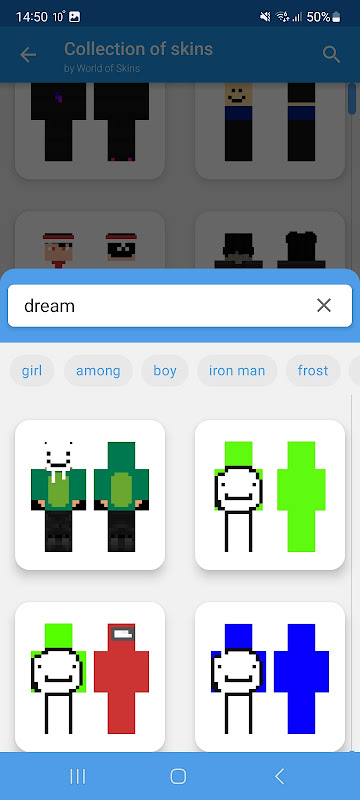
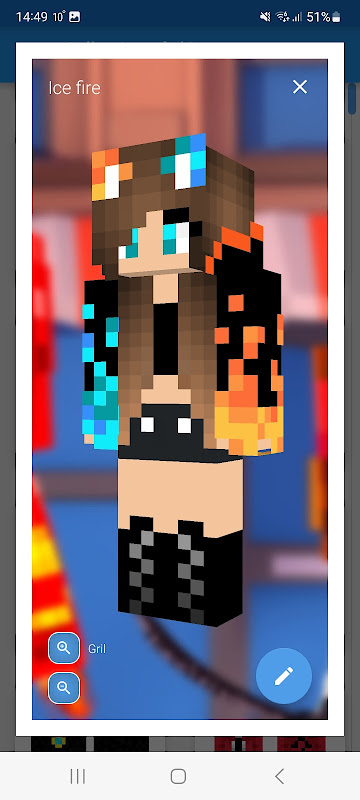
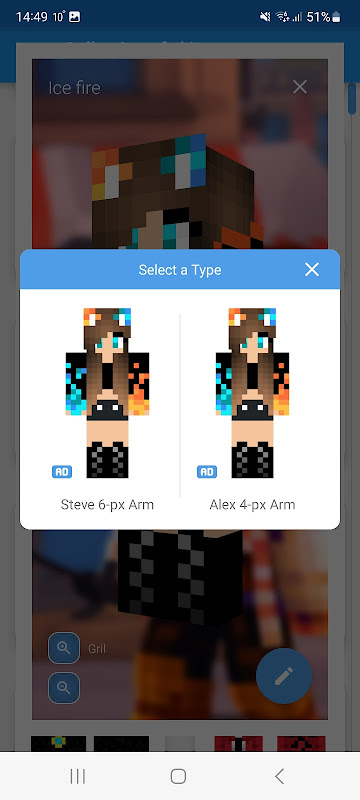
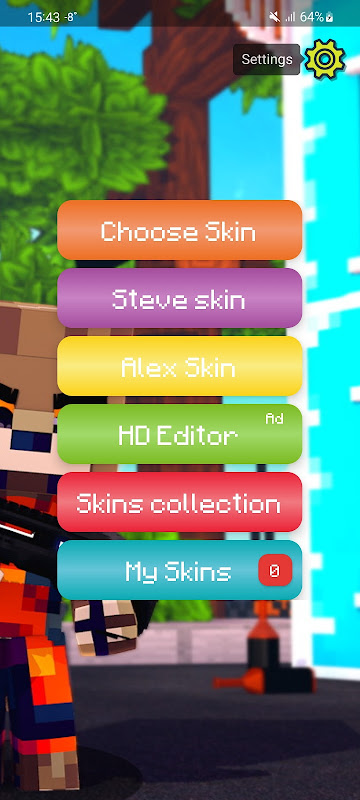
About this app
SkIntroduction Skin Editor 3D for Minecraft APK
Skin Editor 3D for Minecraft APK is a creative tool that lets Minecraft players design and modify custom skins directly on their Android devices. Instead of downloading ready‑made skins, users can build their own characters with detailed editing tools and preview them in 3D before applying them in the game.
What is the Game
Skin Editor 3D for Minecraft APK is not a traditional game but a skin customization application designed for Minecraft players. It allows users to create personalized skins that change how their character appears inside the Minecraft world.
Minecraft is a sandbox game where players explore block‑based environments, craft tools, build structures, and interact with other players. One of the most popular ways to personalize the game is through custom skins.
With this app, players can design characters such as:
- Gamers and modern characters
- Superheroes or fantasy figures
- Anime‑inspired avatars
- Creative original designs
The application gives players the freedom to create completely unique skins rather than relying only on pre‑made ones.
Core Features
Skin Editor 3D for Minecraft APK includes several powerful tools that make skin creation simple and fun.
3D Skin Editing
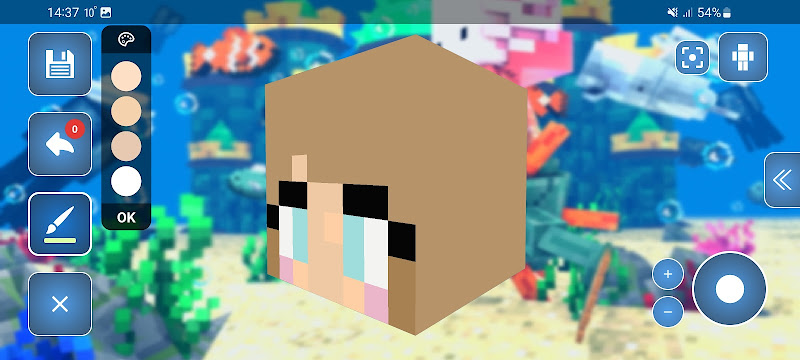
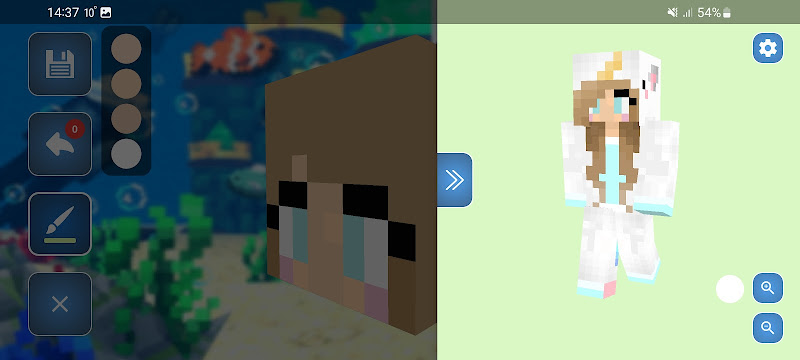
The app allows users to edit skins directly in 3D view, making it easier to visualize how the character will look inside the game.
Pixel‑Level Editing
Players can modify individual pixels to create detailed designs, patterns, and color combinations.
Pre‑Made Skin Templates
For beginners, the app provides templates and base skins that can be customized further.
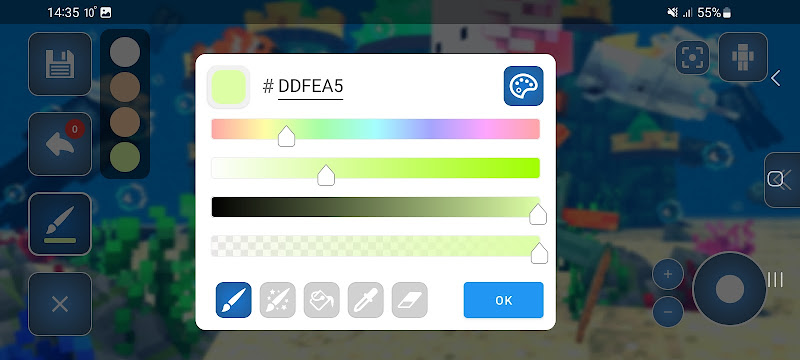
Color Picker and Drawing Tools
Various tools such as brushes, color palettes, and erasers allow precise skin design.
Import and Export Options
Users can import existing skins or export their finished skins directly to Minecraft.
Real‑Time Preview
Before applying a skin, players can rotate and preview their character model to see how it looks from all angles.
Game Modes
Although the app itself does not include gameplay modes, the skins created with it can be used in different Minecraft modes.
Survival Mode
Players can explore the world while using a completely unique character design created by themselves.
Creative Mode
Custom skins allow players to express creativity while building structures and experimenting with designs.
Multiplayer Servers
Using custom skins helps players stand out and build their own identity in multiplayer communities.
Role‑Playing Worlds
Players who enjoy role‑play maps can design skins that match their character roles or story themes.
Java vs Bedrock
Minecraft exists in two main versions: Java Edition and Bedrock Edition.
Java Edition
- Available mainly on PC
- Supports advanced mods and customization tools
- Larger modding community
Bedrock Edition
- Available on Android, iOS, console, and Windows
- Supports cross‑platform gameplay
- Uses skins and add‑ons for customization
Skin Editor 3D for Minecraft APK is designed mainly for Minecraft Bedrock Edition on Android, commonly known as Minecraft Pocket Edition.
Benefits
Using Skin Editor 3D for Minecraft APK offers several advantages for Minecraft players.
Full Creative Control
Players can design skins exactly the way they want without relying on pre‑made options.
Beginner Friendly Tools
Despite powerful editing features, the interface is simple enough for new users.
Unlimited Customization
Users can create completely unique skins that no other player has.
Better Multiplayer Identity
Custom skins make it easier for players to stand out in multiplayer servers and communities.
Challenges
Like any creative tool, the app may present a few challenges.
Learning Curve
Creating detailed skins may take time for beginners who are not familiar with pixel editing.
Device Performance
3D preview and editing features may run slower on older Android devices.
Limited Gameplay Impact
Skins only change character appearance and do not affect gameplay mechanics.
Time Investment
Designing high‑quality skins requires patience and creativity.
Tips
To get the best results with Skin Editor 3D for Minecraft APK, consider the following tips.
Start with Templates
Using a base template makes it easier to design your first custom skin.
Use Simple Color Schemes
Too many colors can make a skin look messy. Stick to a balanced palette.
Check the 3D Preview Frequently
Rotate the character model to ensure your design looks good from every angle.
Save Your Designs
Keep backups of your favorite skins so you can reuse or modify them later.
Conclusion
Skin Editor 3D for Minecraft APK is a powerful customization tool that gives Minecraft players complete control over their character designs. With 3D editing, detailed drawing tools, and easy exporting, the app makes skin creation accessible to both beginners and experienced players.
If you enjoy creativity and want a unique identity in Minecraft, using a skin editor like this can greatly enhance your gaming experience.
Older versions
All versions →| Version | Type | Architecture | Minimum Android | Size | SHA-256 | |
|---|---|---|---|---|---|---|
| v5.6.6 Sep 17, 2025 |
APK | arm64-v8a | Android 6.0+ | 86 MB | f835…bff2 | Download |